
Your Shopping Cart
Support: tailBeaconX TSO
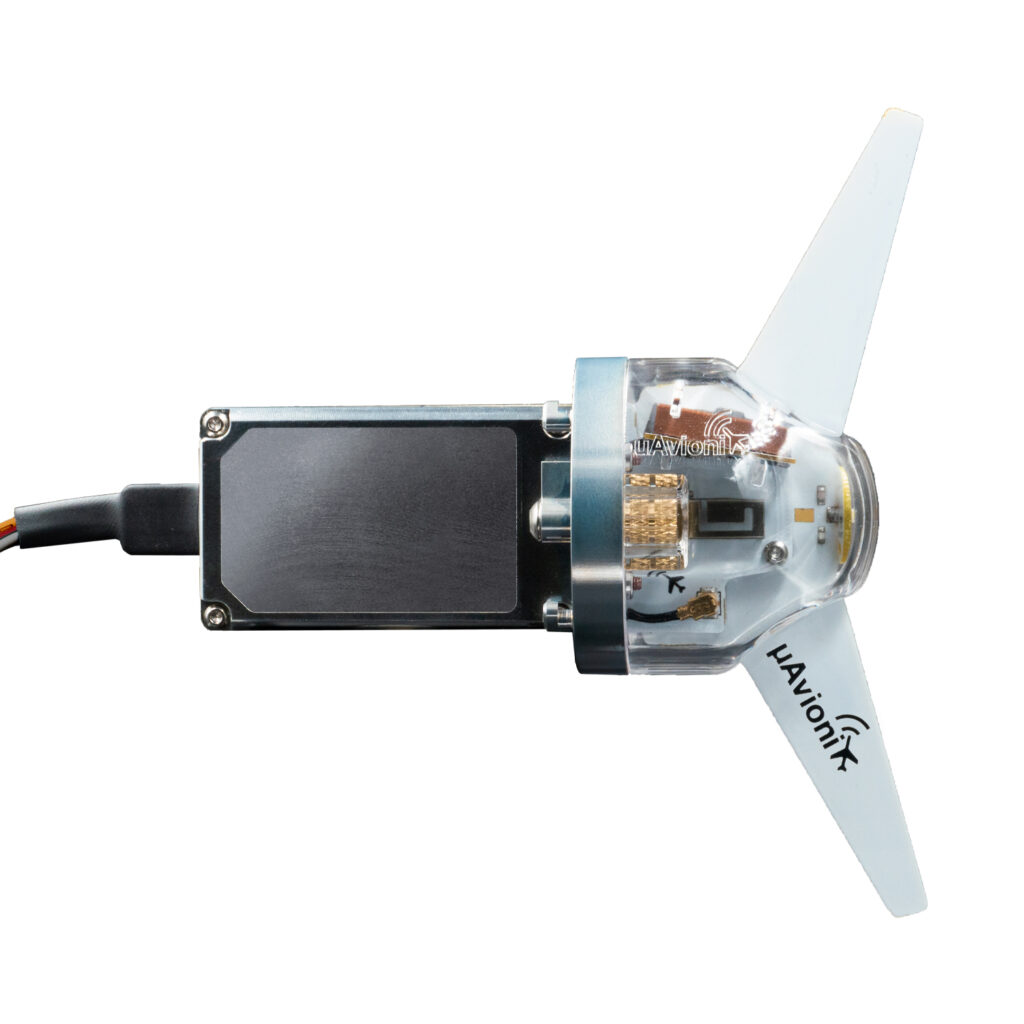
tailBeaconX is a game-changing 1090 MHz ADS-B Out solution with an integrated Mode S transponder, WAAS GPS, and LED position light—all in a single, streamlined tail-mounted unit.
Below you’ll find everything you’ll need to install, maintain, and learn about your tailBeaconX TSO. In addition, you can fill out a support ticket for advanced problems and get into the details of Certification and Documentation.
FAQs
Frequently Asked Questions
-
-
My display shows TMOUT on the AV-30, what does that mean?
This means that the AV-30 is not communicating with the tailBeaconX. There are a few reasons for this:
- The tailBeaconX is not getting power or is turned off.
- The AV-30 TX and RX wires are not connected properly or have come loose. Check for continuity of the wires from pin 4 and 5 on the AV-30.
- The tailBeacon needs to be reset to defaults. Jumper the orange and the gray wires (pin 4 & 5) and power on the tailBeaconX. You will need to re-configure the tailBeaconX.
-
My display shows TMOUT on the AV-30, what does that mean?
-
-
I can't see the Wi-Fi of the tailBeaconX.
Make sure the tailBeaconX is in STBY mode. This is completed from the transponder page of the AV-30.
-
How do I place the tailBeaconX in STBY?
Please reference this video to understand how to use the transponder page.
-
I can't see the Wi-Fi of the tailBeaconX.
-
-
Can I mount the tailBeaconX inside the fuselage?
The tailBeaconX needs to see the sky for GPS data. If you have a non-metalic fuselage and you mount the tailBeaconX in the vertical orientation as per the installation manual then it should work. We suggest that you place a handheld GPS int the location that you intend the tailBeaconX to be installed to check for good GPS reception, position, and strength.
If this is on a certified aircraft, you may need to see a field approval or submit a 337 for the deviation.
-
Can I mount the tailBeaconX inside the fuselage?
-
-
Can my tailBeaconX work with my mode C transponder like my current tailBeacon?
The tailBeaconX IS the transponder and does not require and shouldn’t be used with a Mode C transponder. It does however require the installation of a control head. There are various option for our EXP customers such as the AV-20-E, AV-30-E, GRT, MGL, AFS, and others.
-
Can my tailBeaconX work with my mode C transponder like my current tailBeacon?
-
-
How do I configure the tailBeaconX?
With the latest software on the AV-30-C the tailBeaconX can be configured from the AV-30-C. Ground test mode also can be accessed through the install menu of the AV-30-C.
-
How do I configure the tailBeaconX?