
Your Shopping Cart
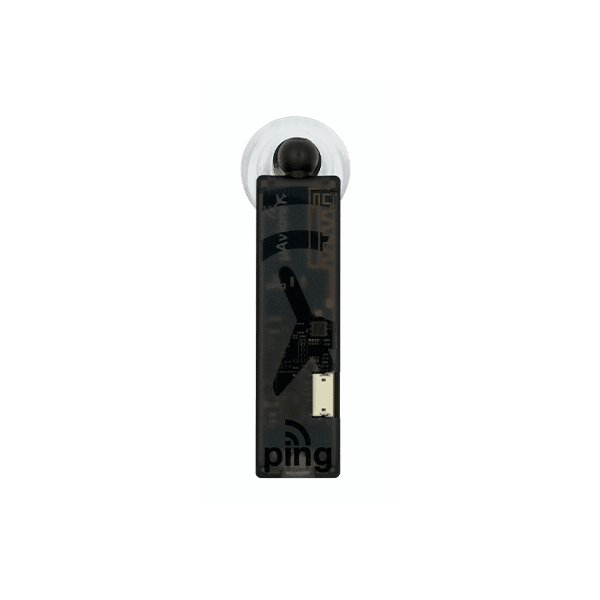
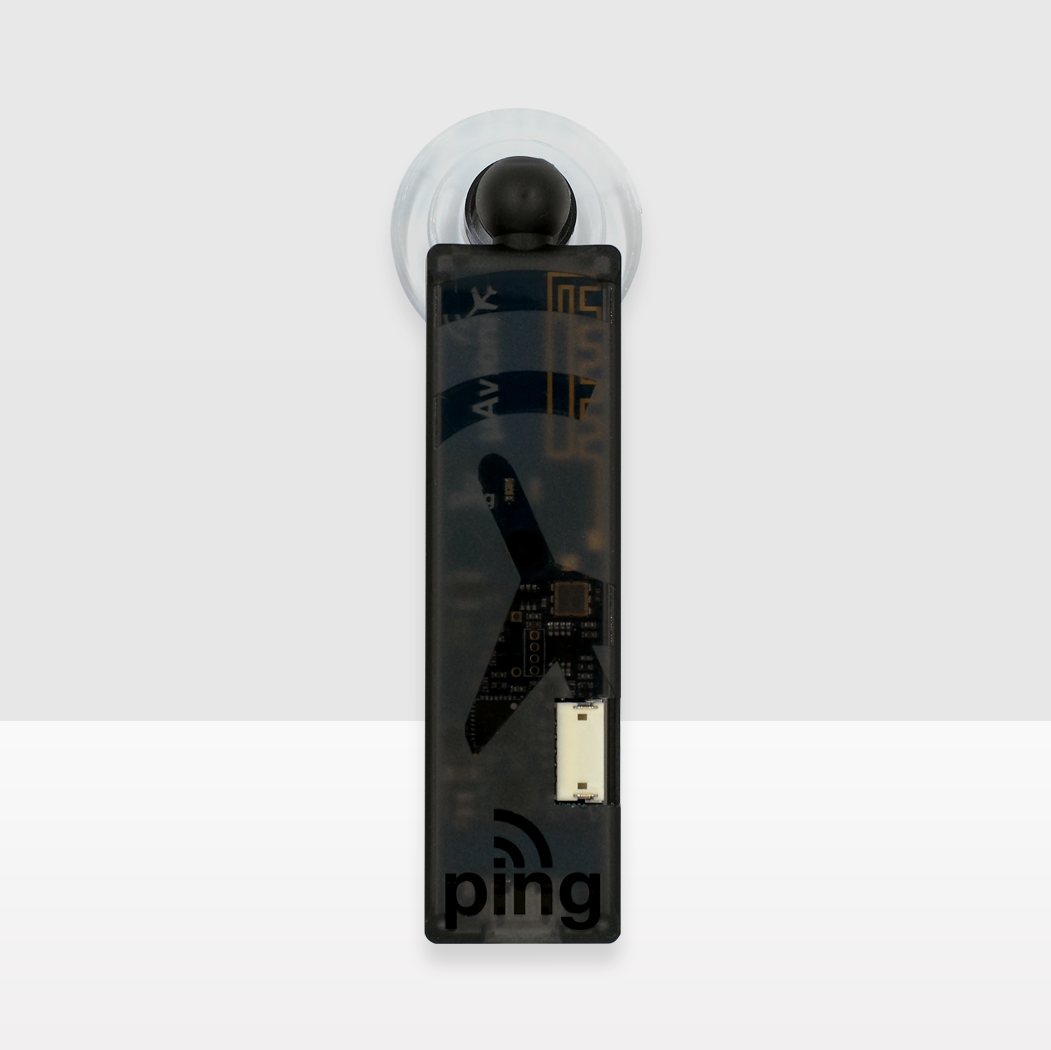
pingUSB
SKU: UAX-90004-02
$275
Available on backorder
Primary Features
-
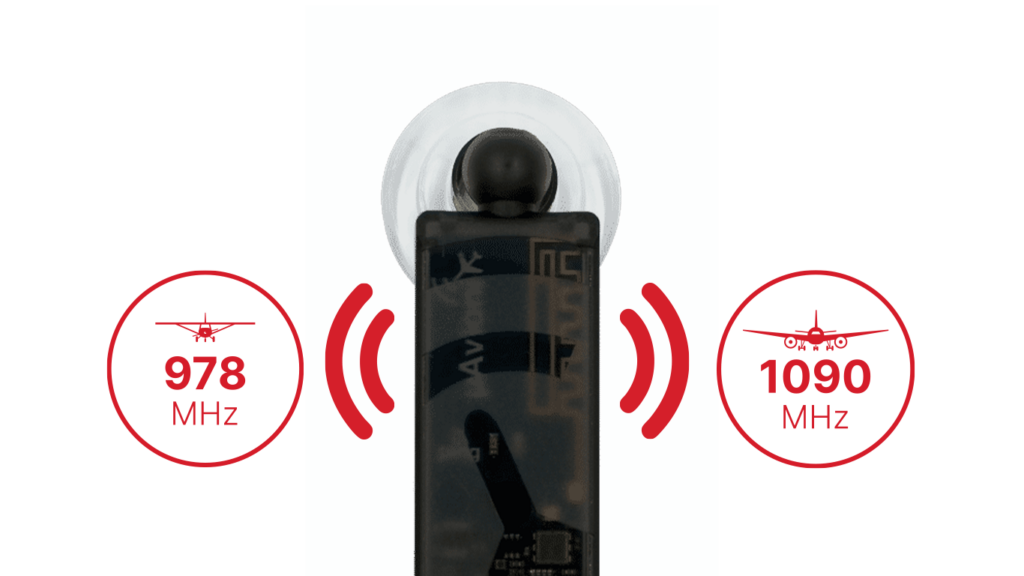
Dual-Band Traffic Reception
pingUSB operates on both 978MHz and 1090MHz frequencies, providing comprehensive ADS-B traffic monitoring in real-time.
-
Direct Connectivity
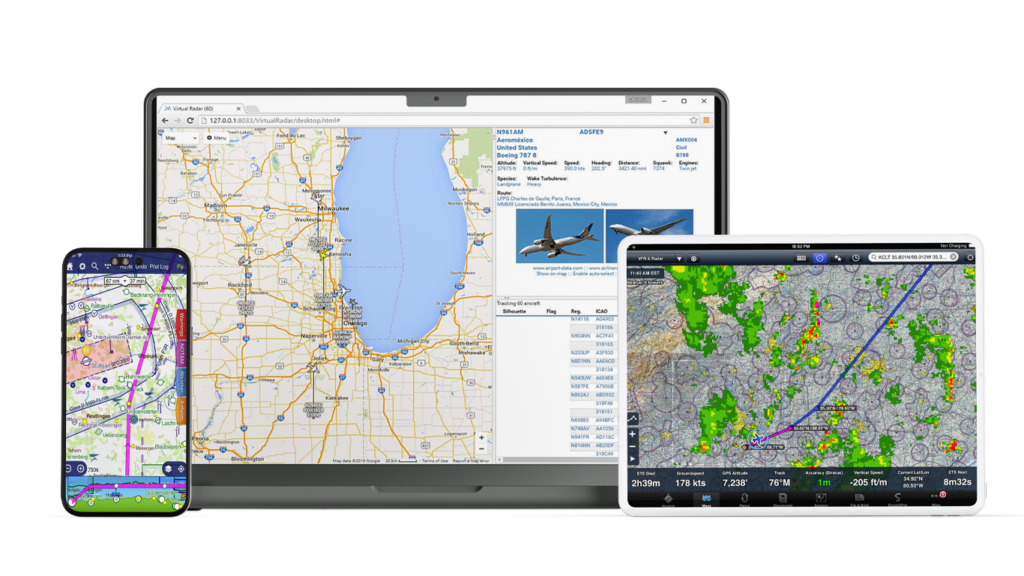
Offers both wireless connectivity for Electronic Flight Bag (EFB) applications and a USB connection for PC-based platforms like Virtual Radar Server
-
Wide Application Compatibility
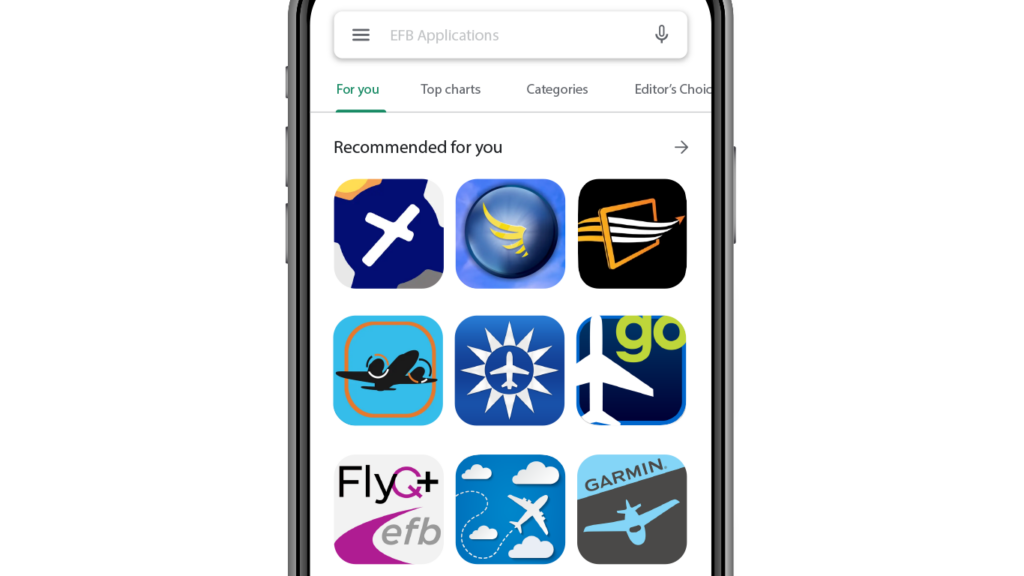
Supports popular EFB apps including ForeFlight Mobile, EasyVFR, AirMate, and Oz Runways using the GDL 90 protocol
1 / 3
Additional Features
Lightweight, Flexible, and Feature-Packed
Compact and Lightweight
At only 5 grams and dimensions of 34x19x8mm, pingUSB is extremely portable and unobtrusive.
No Weather or FIS-B Services
Exclusively focused on ADS-B traffic without weather distractions, ensuring clear and dedicated traffic updates.
MavLINK Serial Interface
Supports high-speed data transfer at 57600 bps, enhancing the responsiveness and real-time capabilities.
FAQ’s
Knowledge Base
- Aircraft Compatibility
- FAA Requirements
- Installation
- Operation
- Maintenance
- Troubleshooting Tips and Tricks
-
-
What types of aircraft can use the pingUSB?
Any aircraft can use pingUSB as long as it has a USB power source and a compatible EFB application.
-
-
-
Does the pingUSB meet FAA requirements for ADS-B equipment?
While pingUSB provides traffic information, it is not a substitute for FAA-mandated ADS-B Out equipment.
-
-
-
How do I install the pingUSB in my aircraft?
Connect pingUSB to a USB power source, mount it using the suction cup, and connect to your EFB or PC.
-
-
-
How do I view traffic information on my EFB?
Connect to pingUSB’s Wi-Fi network, launch your GDL 90 compatible EFB app, and ensure it’s configured to receive traffic data from pingUSB.
-
-
-
What maintenance does pingUSB require?
pingUSB is maintenance-free but periodically check for software updates on the uAvionix website.
-
-
-
What should I do if I'm not receiving any ADS-B traffic data?
Ensure you are within range of ADS-B ground stations or aircraft transmitting ADS-B Out signals. Check your EFB app’s settings to ensure it’s configured correctly for pingUSB.
-
Documentation
pingUSB Manuals & Guides
Stay Connected
uAvionix Insights
"*" indicates required fields