Your Shopping Cart
OVERVIEW
ADS-B Detect and Avoid for Enhanced Safety
$2,200
SKU: UAX-90013-01
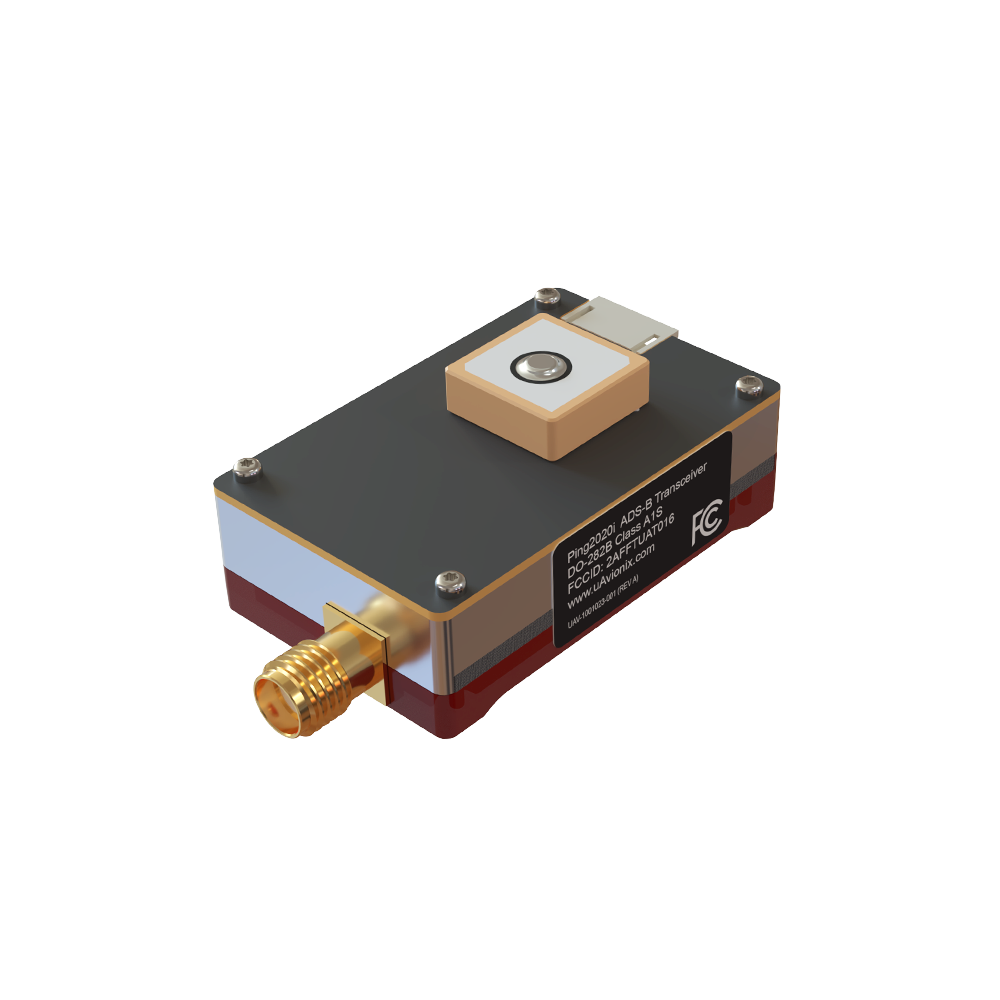
ping2020i is designed to deliver unmatched situational awareness for your unmanned aircraft operations. This compact, lightweight, dual-link ADS-B transceiver with integrated WAAS GPS and precision barometric sensor ensures you detect threats and are visible to nearby aircraft, enabling safer operations within the National Airspace System (NAS).
Primary Features
-
Dual-Link ADS-B Detection
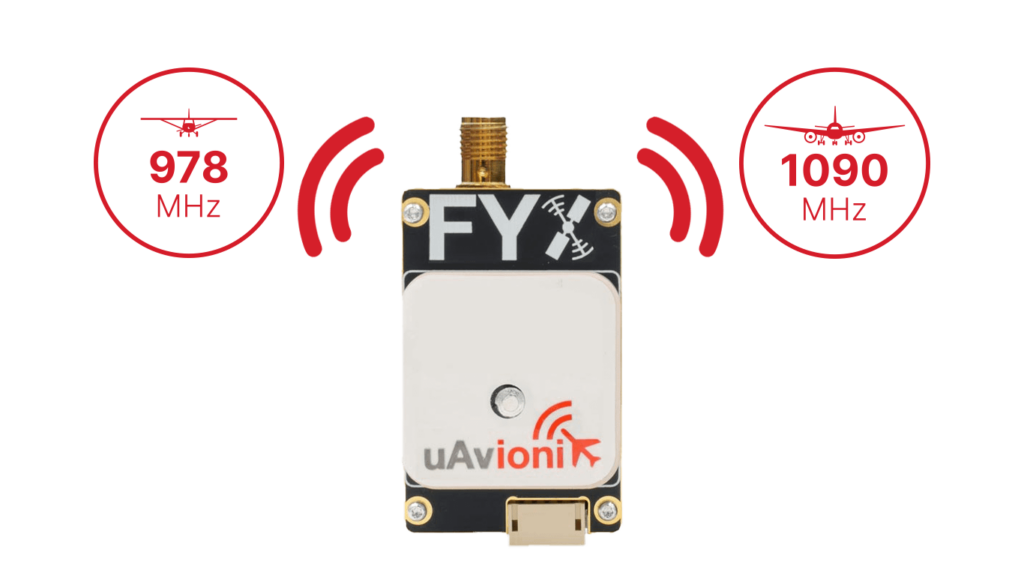
Real-time tracking of ADS-B equipped aircraft on both 1090MHz and 978MHz within a 100-mile radius.
-
Integrated WAAS GPS and Barometric Sensor
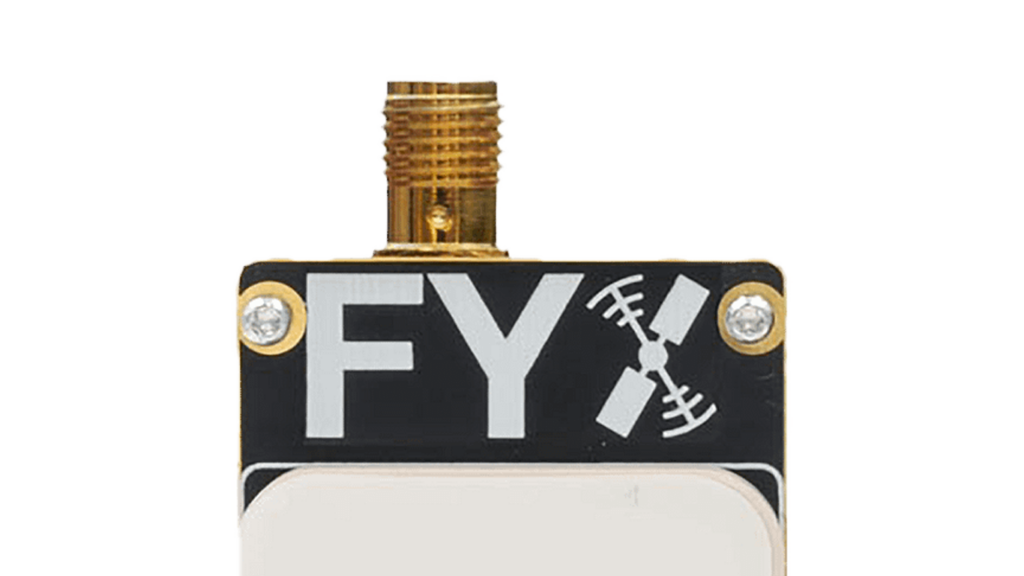
Precision navigation and altitude reporting with fault detection to protect against GPS jamming and anomalies.
Additional Features
Enhanced Performance & Reliability
Ultra-Lightweight
Only 26 grams, minimal impact on your payload capacity.
Rapid GPS Fix
Battery-backed GPS for a swift Time-to-First-Fix (TTFF).
High-Dynamic Range Receiver
Ensures consistent performance in dense airspace environments.
FAQ's
Knowledge Base
- Aircraft Compatibility
- FAA Requirements
- Installation
- Operation
- Maintenance
- Troubleshooting Tips and Tricks
-
-
What types of UAS can use ping2020i?
ping2020i is suitable for small to medium-sized unmanned aircraft operating in the National Airspace System.
-
What types of UAS can use ping2020i?
-
-
Does ping2020i meet FAA requirements?
Yes, it complies with FAA ADS-B performance standards, including MOPS DO-282B and DO-260B.
-
Does ping2020i meet FAA requirements?
-
-
How should I mount the ping2020i unit?
Mount securely to a flat surface with clear sky visibility for the GPS antenna, avoiding signal-blocking materials like carbon fiber.
-
Can I use my own antenna?
Only antennas certified to TSO-C66, TSO-C74, TSO-C112 with a peak gain ≤4 dBi and VSWR ≤1.8 at 978MHz are approved.
-
How should I mount the ping2020i unit?
-
-
How is ping2020i powered?
Powered with 11-28V DC. Connect using the provided power harness.
-
How do I configure ping2020i?
Configure using the uAvionix Ping Installer app via the Ping Programmer connected through Wi-Fi.
-
How is ping2020i powered?
-
-
What regular maintenance does ping2020i require?
Minimal maintenance; periodic checks recommended to ensure antenna integrity and device performance.
-
What regular maintenance does ping2020i require?
-
-
My device isn’t connecting to the app—what should I do?
Ensure correct Wi-Fi connection (Ping-XXXX), using password “uavionix”. Confirm the Ping Programmer is properly connected.
-
ADS-B traffic isn't appearing on my autopilot—what should I check?
Verify serial port configuration on your autopilot matches ping2020i protocol settings: MAVLink2, baud rate 57600.
-
My device isn’t connecting to the app—what should I do?
Documentation
ping2020i Manuals & Guides
Ping Installer Mobile App
Owners of the uAvionix Ping line of devices can use this free application to install and configure their hardware.
Supported device(s) include:
- ping978EC
- ping2020i
- ping1090i
- ping200S
- ping20S
Note: this application is not intended to directly configure pingBuddy or pingEFB, but does work in concert with pingBuddy to configure pingNAV and other products.