
Your Shopping Cart
Support: Casia G
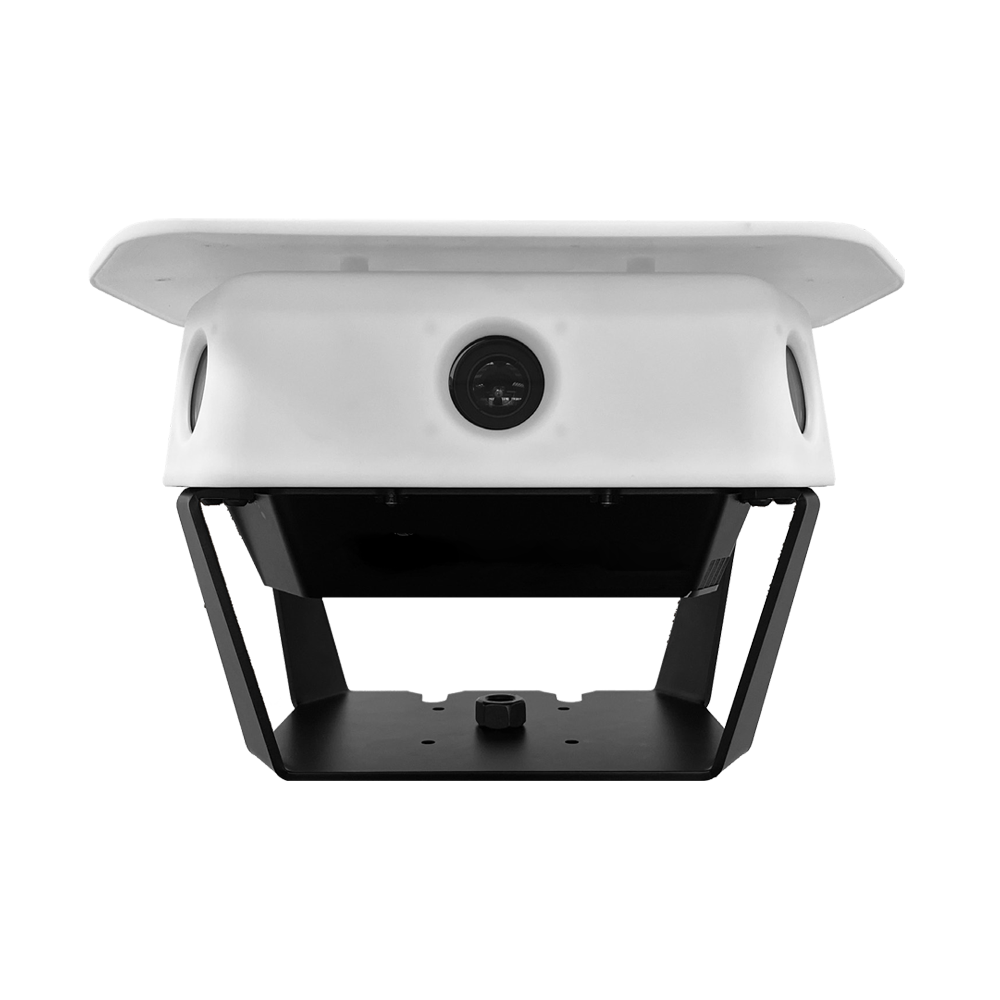
Casia G uses AI and computer vision to detect non-cooperative (not broadcasting ADS-B) aircraft in the airspace to help avoid airborne collisions.
Below you’ll find everything you’ll need to install, maintain, and learn about your Casia G. In addition, you can download the latest Ground Station software or submit a support ticket for advanced problems.
Knowledge Base
Frequently Asked Questions
-
-
Where should I install Casia G?
Casia G should be installed in a location where it has a full and clear view of the sky. Good locations are typically on top of buildings or in the wide open away from buildings and trees.
Please watch the following video for more details.
Suitable Locations for Installing Casia G -
How do I mount Casia G?
The following videos will take you through mounting Casia G and aligning it correctly:
Casia G Top Mount Installation
Casia G Side Mount Installation
Casia G Tripod Installation
Aligning Casia
-
Where should I install Casia G?
-
-
Does Casia G detect aircrafts at night?
Yes! Casia G does detect planes and helicopters at night … and during the day
-
Does Casia G detect drones?
Casia G will detect drones. However, some drones are very small, so they will not be detected until they are quite close to Casia G
-
I am getting frequent false detections
If an unknown object is persistently in the field of view of Casia G (for example, a flag blowing in the wind, or a flashing light at night), it can trigger false detections. To eliminate these, use the masking capability outlined in the user guide.
-
Does Casia G detect aircrafts at night?
-
-
Casia is not making any detections
VISIBLE ONLINE?
Is the Casia G showing up in the groundstation software? If it is, the device is connected and is most likely functional.TRAFFIC?
Has there been any aircraft in the vicinity? If not, there may be nothing for Casia to detect. You could test by flying a drone close to Casia G.POWER?
If the device is not visible online, check if it powered on?
The power supply box has a red LED on the underside. If it is not illuminated, the device is most likely not getting power. Ensure the power to your Casia G is turned on and that there are no tripped fuses.There are also a series of small LEDs on the underside of the Casia G. Check that those are illuminated. If not, ensure the power cables from the power supply box is properly connected.
CONNECTIVITY?
Check if the Casia G has connectivity. To do this, remove the internet cabled from the device and plug into another device such as a laptop. Can you access the internet? If not, please check with your IT department or internet service provider.
-
Casia is not making any detections