Your Shopping Cart

SKU: UAX-90139-01
$2,200
Primary Features
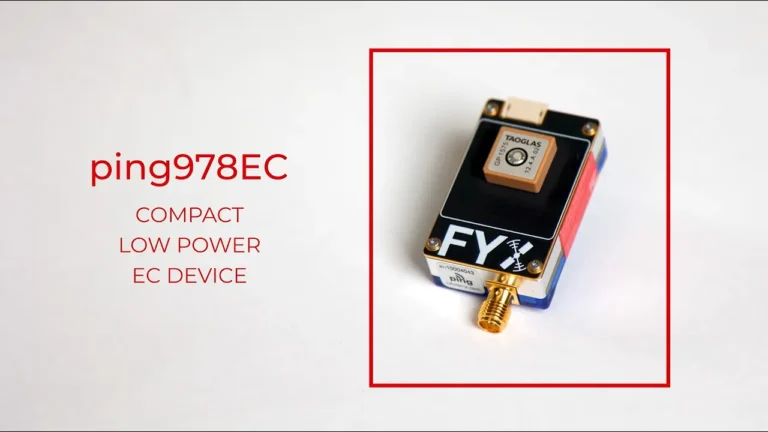
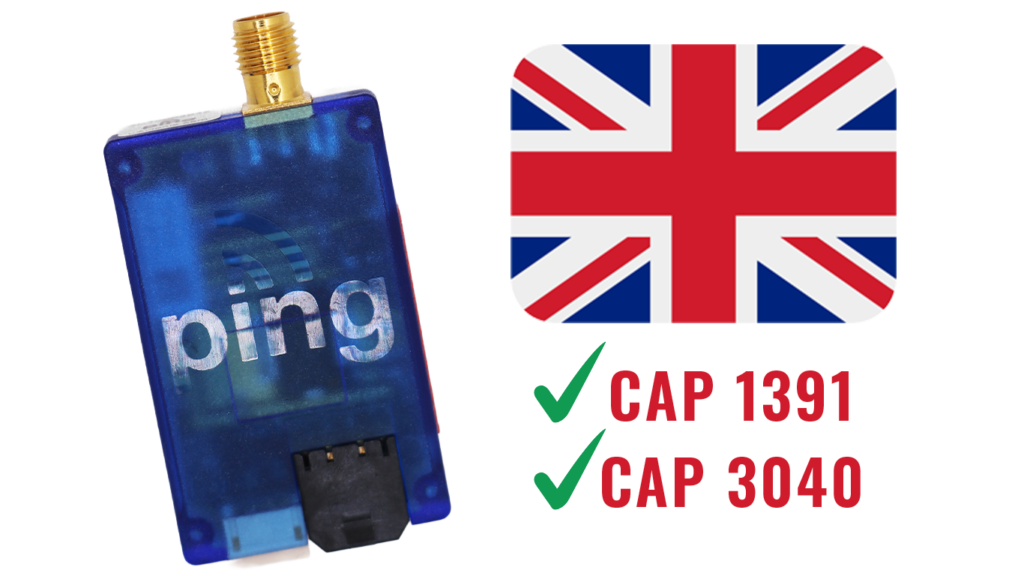
Designed to support Electronic Conspicuity requirements of UK BVLOS UAS market.
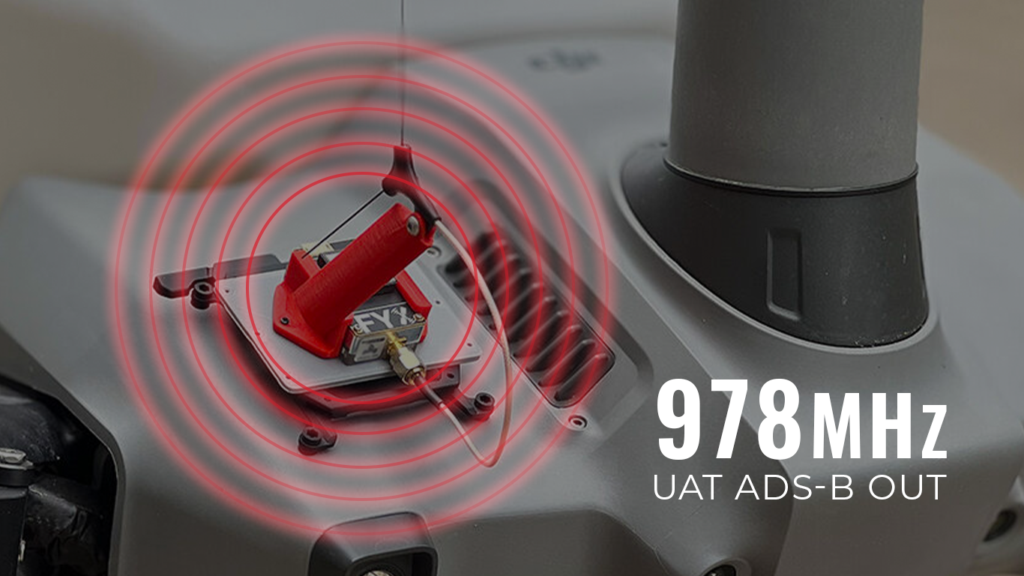
Complies with UK CAA CAP 1391 and CAP 3040 Electronic Conspicuity requirements for BVLOS UAS.
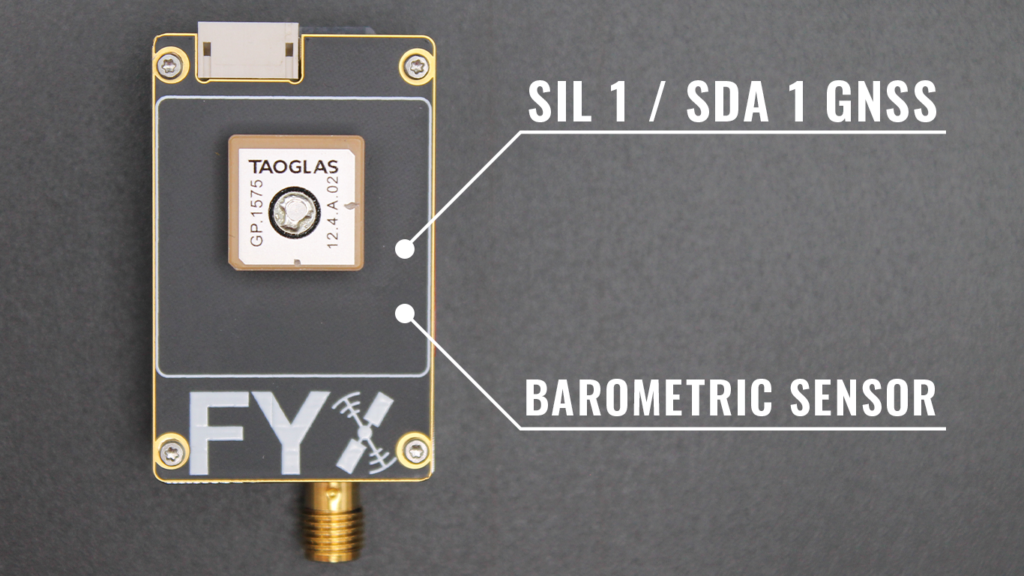
Precision navigation and altitude reporting with fault detection to protect against GNSS jamming and anomalies
Real-time tracking of aircraft on both 1090MHz and 978MHz within 100 mile radius.

Additional Features
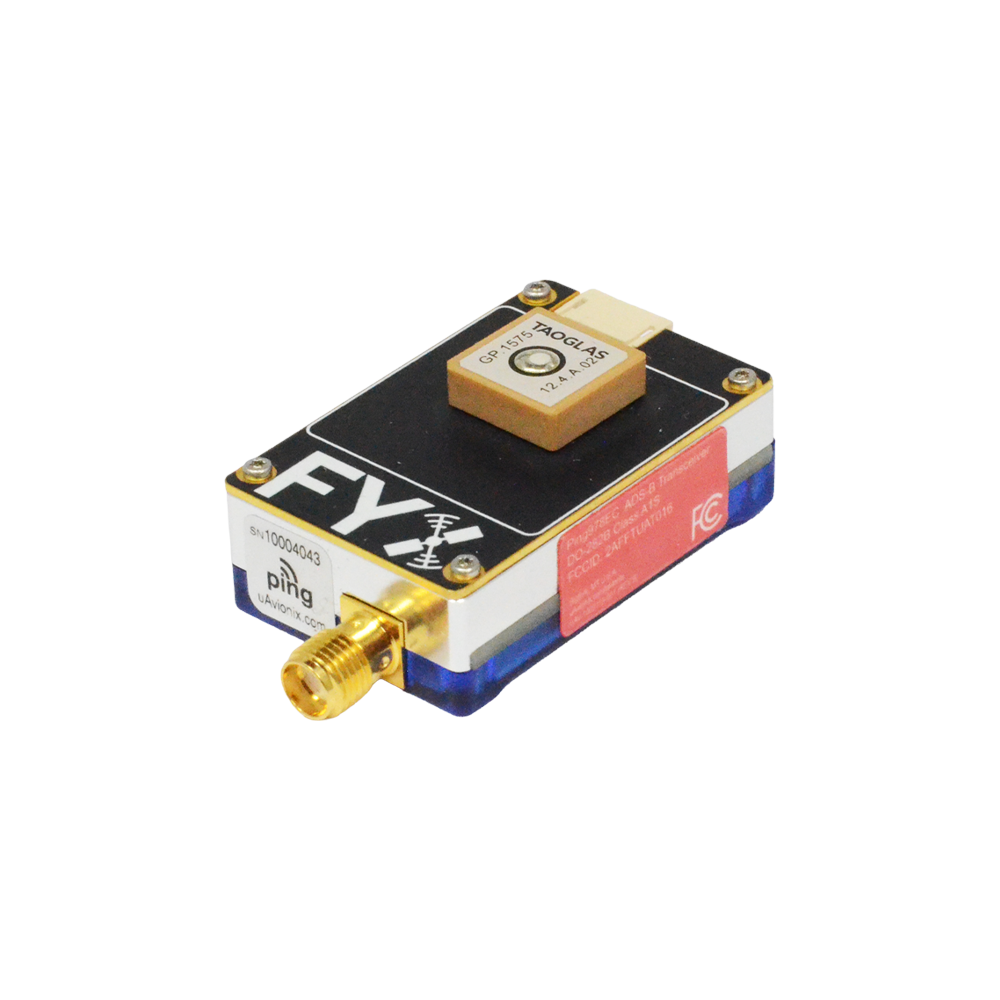
Only 26 grams, minimal impact on your payload capacity. ping978EC is 22 grams (26 grams with antenna
Battery-backed GNSS for a swift Time-to-First-Fix (TTFF).
Ensures consistent performance in dense airspace environments.
Hear what our partners are saying about ping978EC
FAQ’s
ping978EC is suitable for all Specific Category unmanned aircraft operating in the UK that need to meet CAA BVLOS UAS Electronic Conspicuity regulations.
Yes, it complies with CAA ADS-B performance standards, including CAP 1391 Appendix E and RTCA DO-282B.
Mount securely to a flat surface with clear sky visibility for the GNSS antenna, avoiding signal-blocking materials like carbon fibre.
If you prefer not to use the supplied antenna then only antennas certified to TSO-C66, TSO-C74, TSO-C112 with a peak gain ≤4 dBi and VSWR ≤1.8 at 978MHz are approved.
Powered with 11-28V DC. Connect using the provided power harness.
Configure using the uAvionix Ping Installer app via the Ping Programmer connected through Wi-Fi.
Minimal maintenance; periodic checks recommended to ensure antenna integrity and device performance.
Ensure correct Wi-Fi connection (Ping-XXXX), using password “uavionix”. Confirm the Ping Programmer is properly connected.
Verify serial port configuration on your autopilot matches ping978EC protocol settings: MAVLink2, baud rate 57600.
Unboxing Video
Documentation
Ping Installer Mobile App
Owners of the uAvionix Ping line of devices can use this free application to install and configure their hardware.
Supported device(s) include:
Note: this application is not intended to directly configure pingBuddy or pingEFB, but does work in concert with pingBuddy to configure pingNAV and other products.


Get the right solution for your mission—fast. Fill out the form below, and uAvionix will provide more information about tailored solutions and pricing.