
Your Shopping Cart
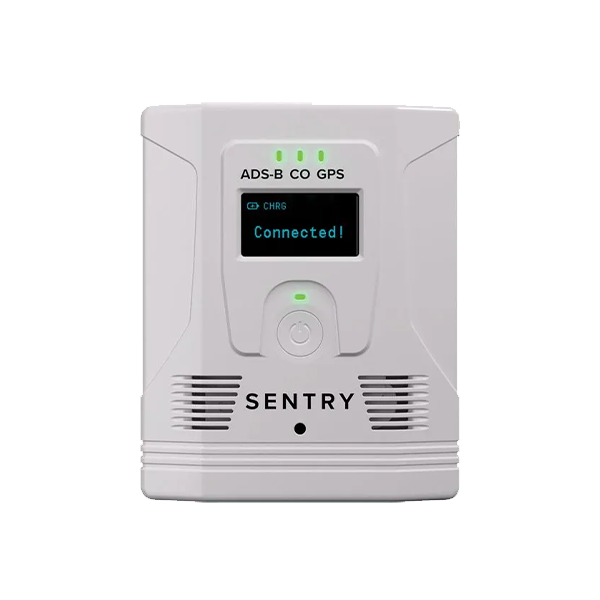
ForeFlight Sentry Plus
SKU: UAX-90084-01
$799
Primary Features
-
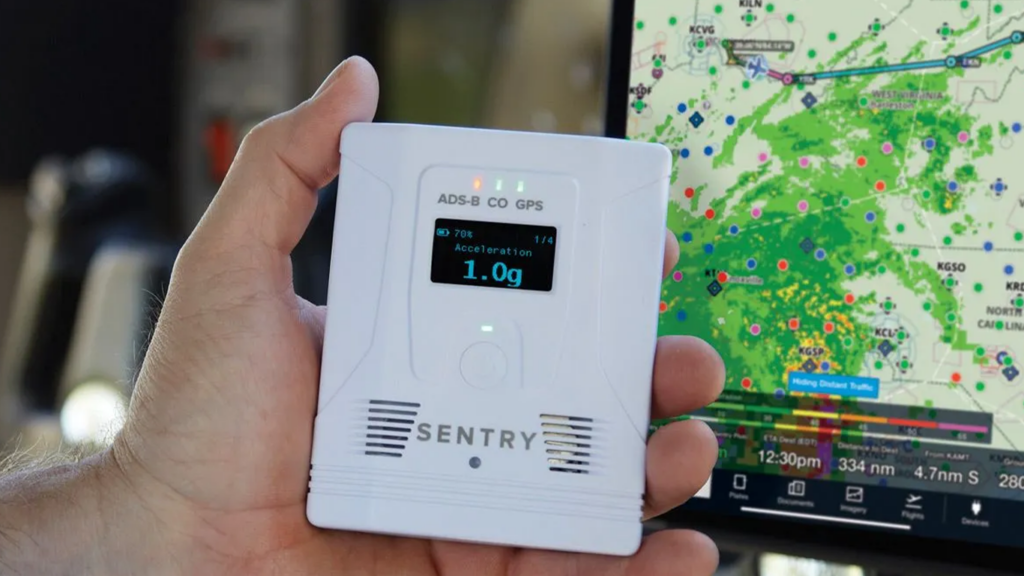
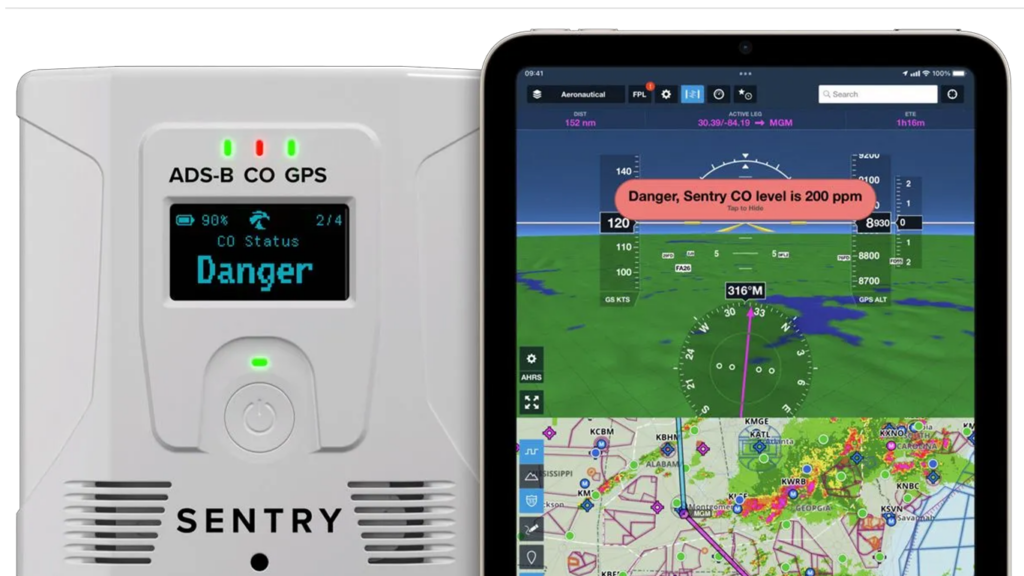
Integrated OLED Screen
Displays essential flight information at a glance, enhancing situational awareness without the need to switch apps on your iPad.
-
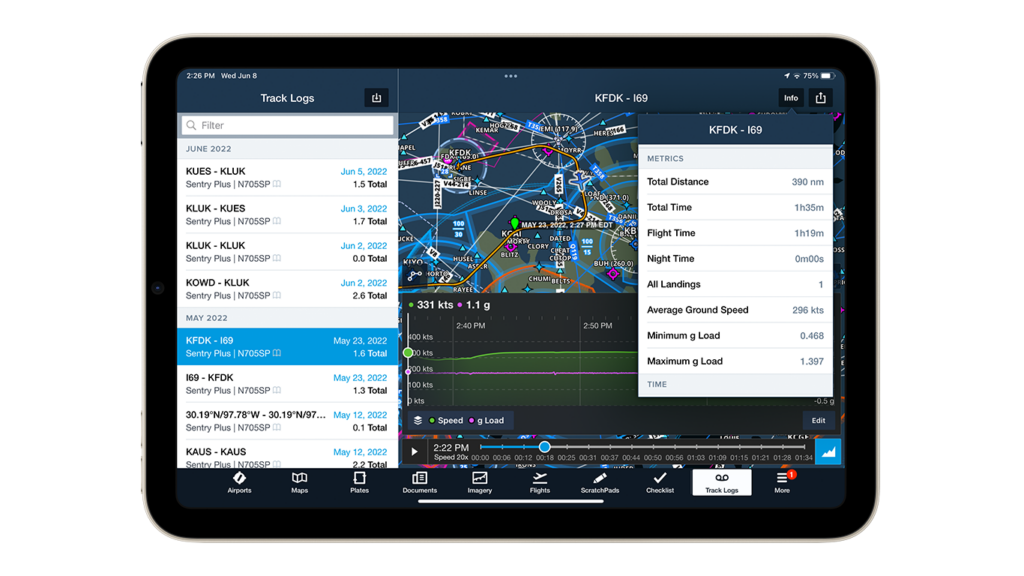
Flight Data recorder
Includes a next-generation recorder with a built-in G-meter that automatically downloads track data, providing valuable insights for post-flight analysis.
-
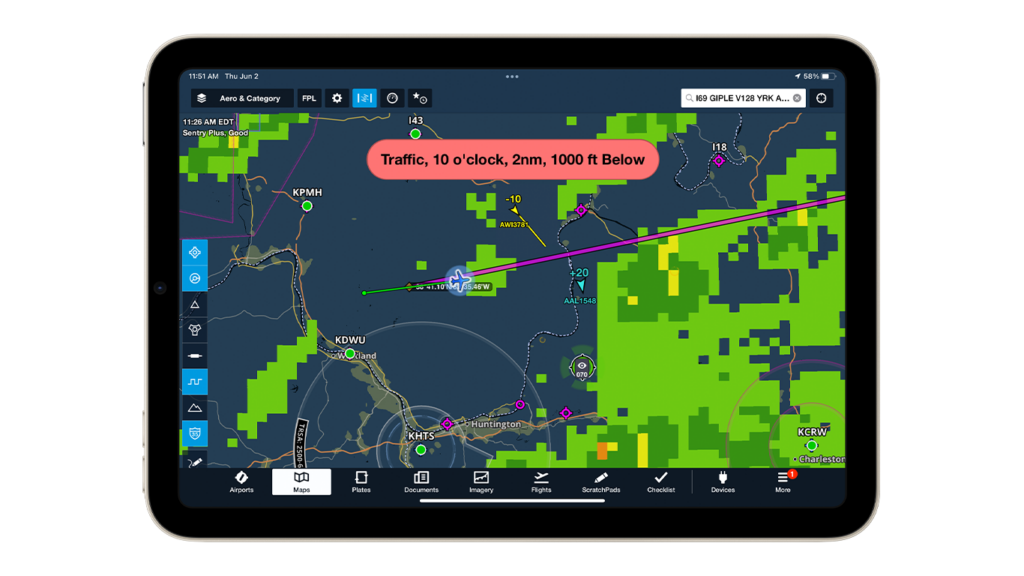
ADS-B & FLARM
Dual band ADS-B receiver combined with a dedicated FLARM receiver optimized for European frequencies, enhancing traffic awareness and safety.
-
CO Detector
Integrated CO detector with visual and audio alerts, improving safety with earlier detection of potential leaks.
Additional Features
Navigational Precision Unlocked
Pressure Altitude Sensor
Allows display of both pressure altitude and GPS altitude, with alerts for potential oxygen needs at high altitudes.
Smart WiFi Connectivity
Ability to join on-board WiFi networks seamlessly, maintaining access to in-flight weather and traffic data while connected.
Auto Power Management
Automatically powers on/off when connected to external power, suitable for both portable and installed use in aircraft.
FAQ’s
Knowledge Base
- Aircraft Compatibility
- FAA Requirements
- Installation
- Operation
- Maintenance
- Troubleshooting Tips and Tricks
-
-
What types of aircraft can use Sentry Plus?
-
Sentry Plus is compatible with a wide range of general aviation and experimental aircraft. It is optimized for use in environments with existing on-board WiFi systems.
-
-
-
-
Does using Sentry Plus meet FAA requirements for ADS-B?
-
Sentry Plus enhances situational awareness with ADS-B In data but does not fulfill ADS-B Out requirements necessary for FAA compliance.
-
-
-
-
How is Sentry Plus installed in an aircraft?
-
Sentry Plus is designed for easy installation with options for both portable setups and more permanent mounts. It automatically powers on/off when connected to aircraft power.
-
-
-
-
How do I view weather and traffic information on Sentry Plus?
-
Connect Sentry Plus to your iPad via WiFi to view real-time weather, traffic, and other flight data on the ForeFlight app.
-
-
-
-
What maintenance does Sentry Plus require?
-
Sentry Plus requires minimal maintenance. Keep the device charged and ensure firmware updates are regularly installed via the ForeFlight app.
-
-
-
-
What should I do if Sentry Plus does not connect to WiFi?
-
Ensure the device is within range of the network and check that the WiFi credentials entered are correct. Restart the device if issues persist.
-
-
How can I resolve inaccurate GPS readings?
-
Ensure Sentry Plus has a clear view of the sky. Reboot the device if GPS inaccuracies continue.
-
-
Stay Connected
uAvionix Insights
"*" indicates required fields