Your Shopping Cart


SKU: UAX-90098-01
$750
Primary Features
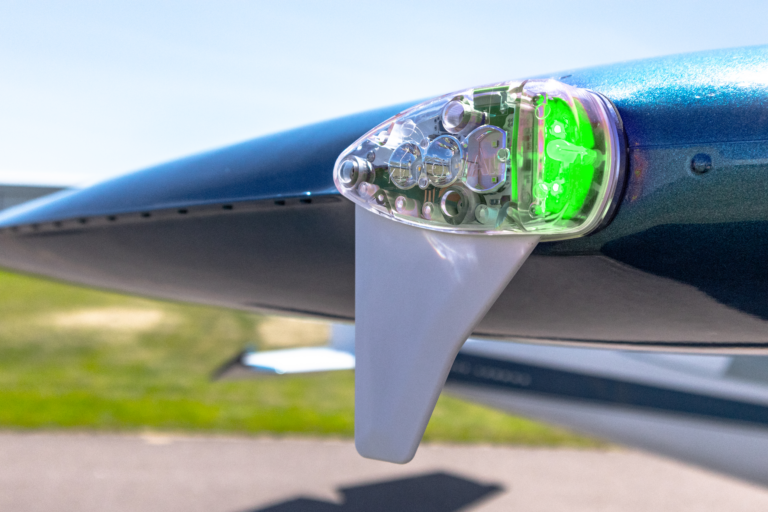
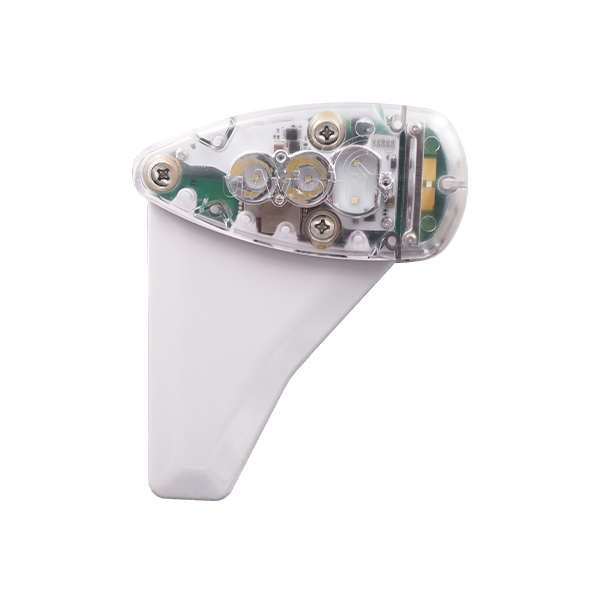
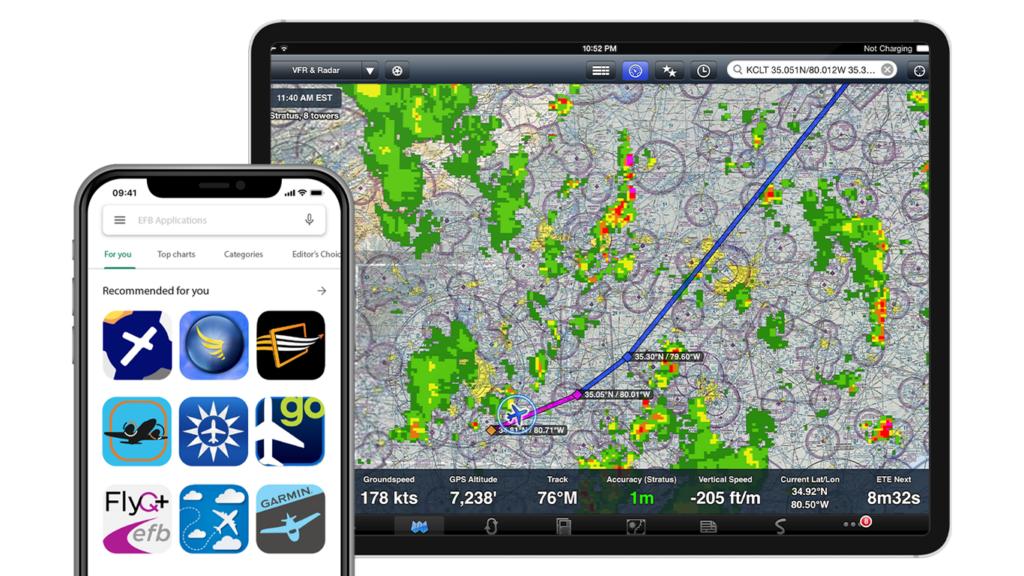
skySensor receives dual-band ADS-B traffic and subscription-free in-flight weather information on both 978MHz and 1090MHz, and delivers real-time aircraft positions and weather overlays to your favorite EFB supporting the GDL 90 protocol.
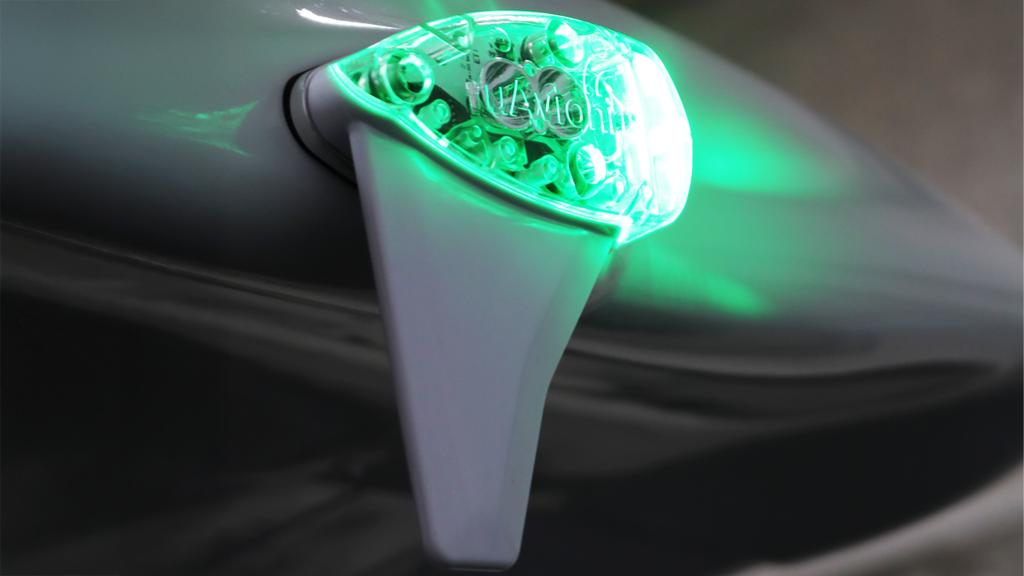
Features an ultra-efficient aviation green LED position light and strobe light, consuming significantly less power compared to traditional bulbs, thus extending operational efficiency and lifespan.
Includes a high-sensitivity GPS that supports SBAS for enhanced accuracy, complete with RAIM for integrity protection, ensuring precise aircraft positioning and movement data.
Additional Features
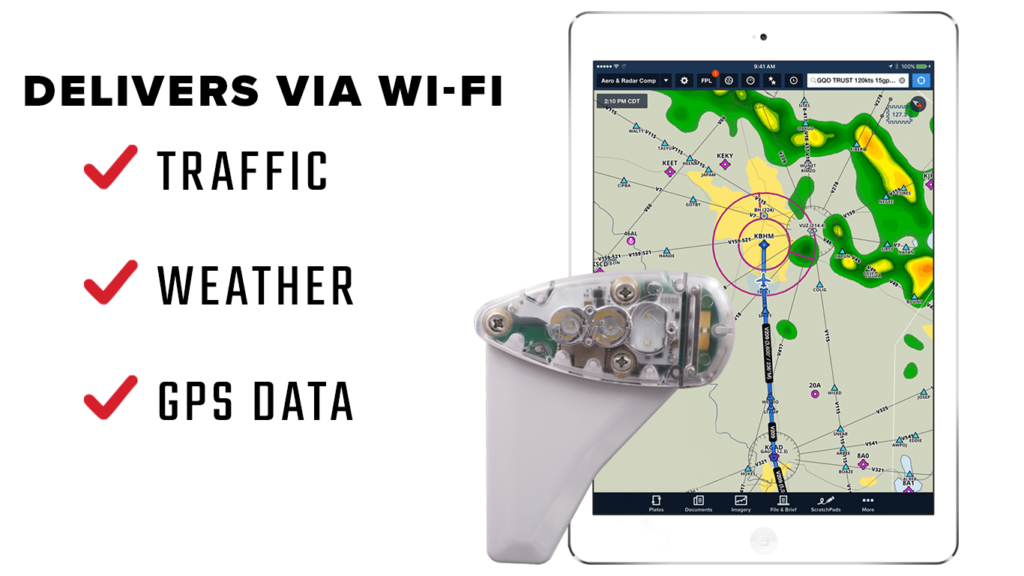
Delivers traffic, weather, and GPS data directly to your preferred Electronic Flight Bag (EFB) applications over Wi-Fi, supporting a wide range of devices and platforms for seamless integration.
Operates effectively in extreme temperatures from -45°C to 80°C and meets multiple TSO standards for safety and performance.
Requires very little maintenance, with a warranty that covers defects in materials and workmanship, providing peace of mind and reducing long-term costs.
FAQ’s
skySensor is suitable for both experimental and certified aircraft, designed to be mounted on the right wingtip.
Yes, skySensor complies with multiple TSO authorizations and meets FAA standards for ADS-B systems, including DO-260B and DO-282B for ADS-B receivers.
skySensor should be installed at the wingtip, ensuring it is free from obstructions. Detailed installation instructions are included with the product for compliance with FAA regulations.
Power the skySensor, connect your device to the skySensor Wi-Fi network, and follow your EFB’s instructions to start receiving data.
skySensor is designed to be low-maintenance. It is recommended to regularly check the device for physical integrity and perform software updates as released by uAvionix.
Ensure that skySensor is properly powered and that you are connected to the correct Wi-Fi network. Check for any software updates and consult the detailed troubleshooting guide provided by uAvionix.
Documentation
Stay Connected
"*" indicates required fields