Your Shopping Cart

SKU: UAX-90036-01
$2,199
Primary Features
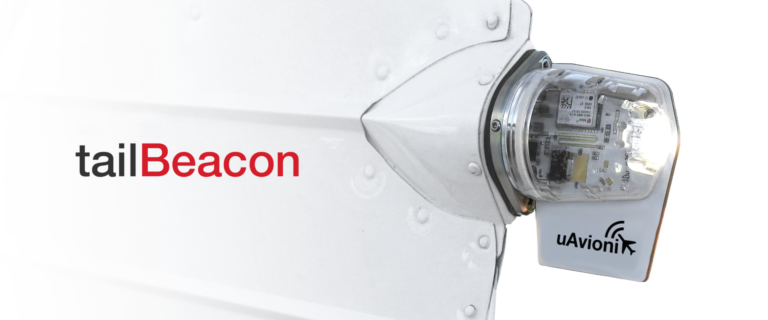
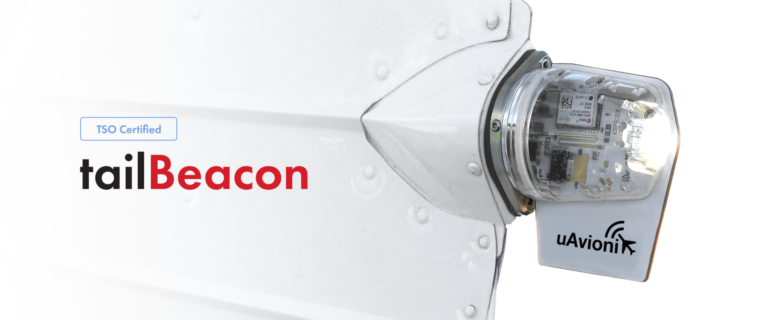
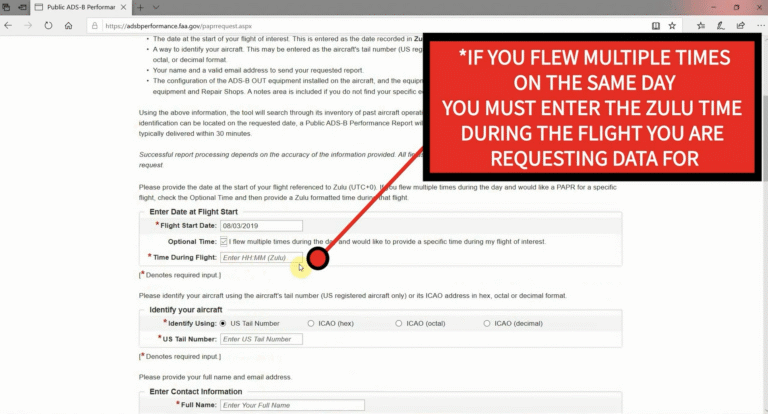
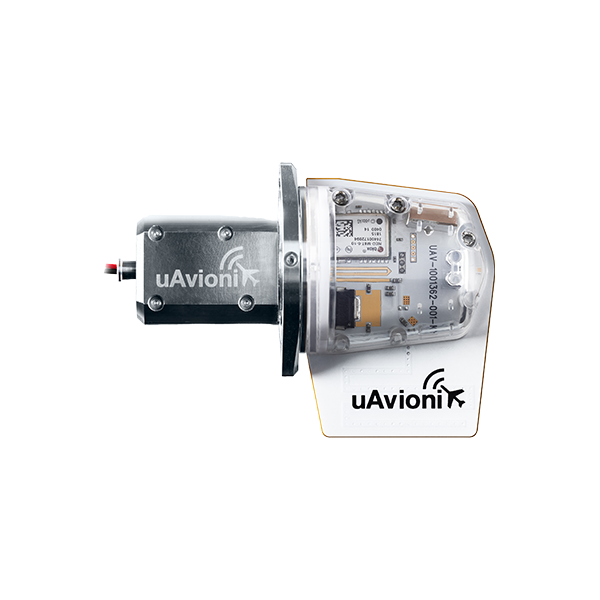
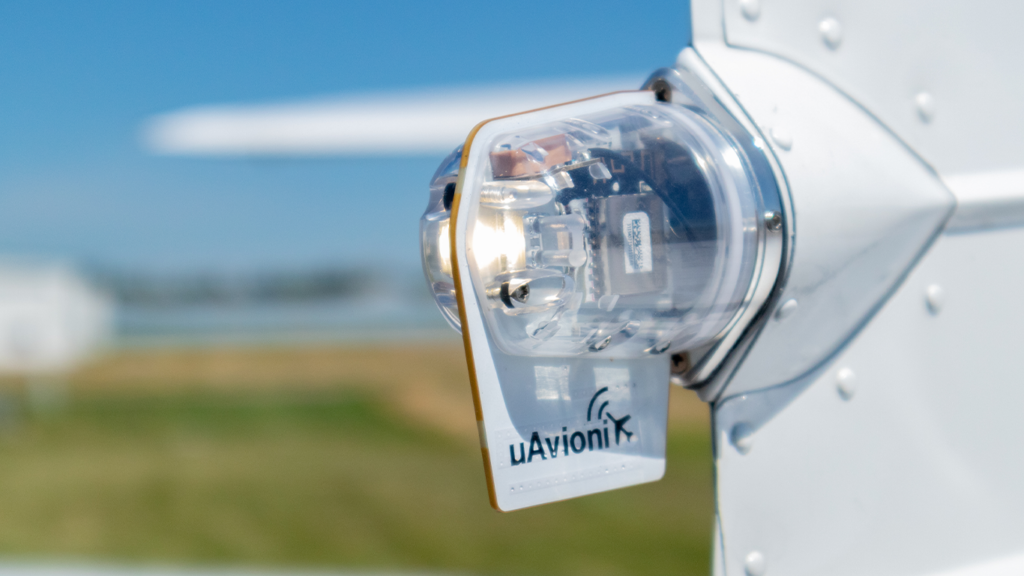
Meets 2020 FAA ADS-B mandates with a near-zero install solution by integrating a UAT transmitter and WAAS GPS in a rear position light, compliant with 14 CFR §91.227.
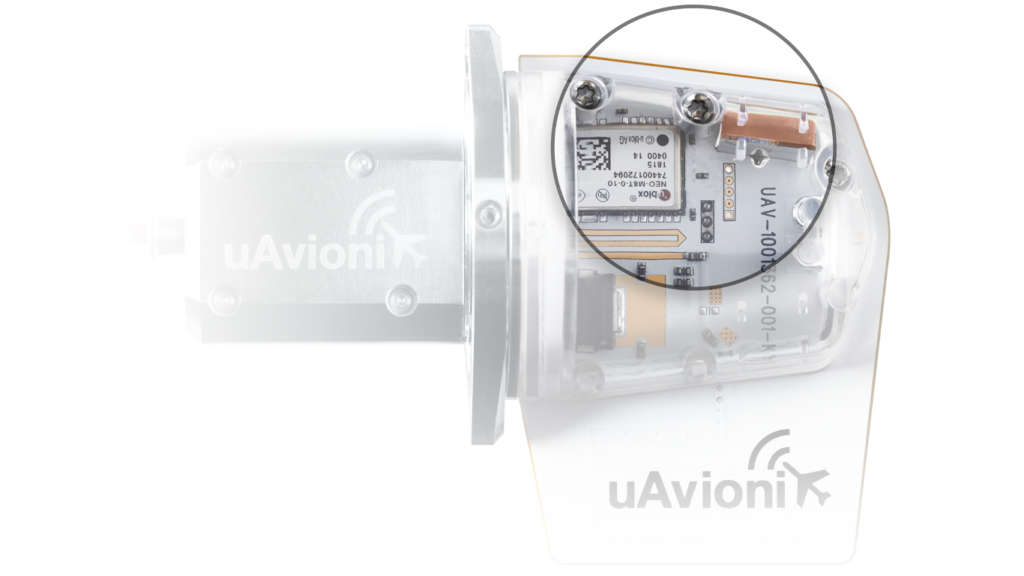
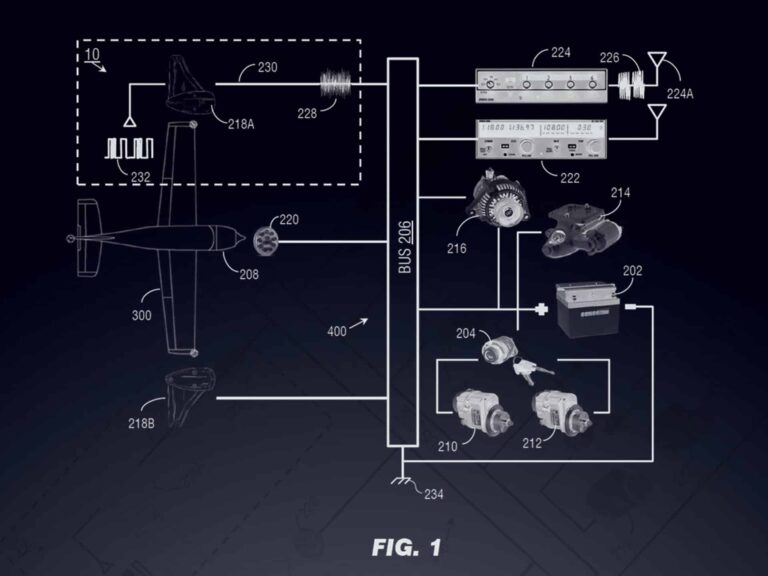
Seamlessly communicates with existing legacy Mode C Transponders via the aircraft’s electrical system, simplifying installation and maintaining existing equipment compatibility.
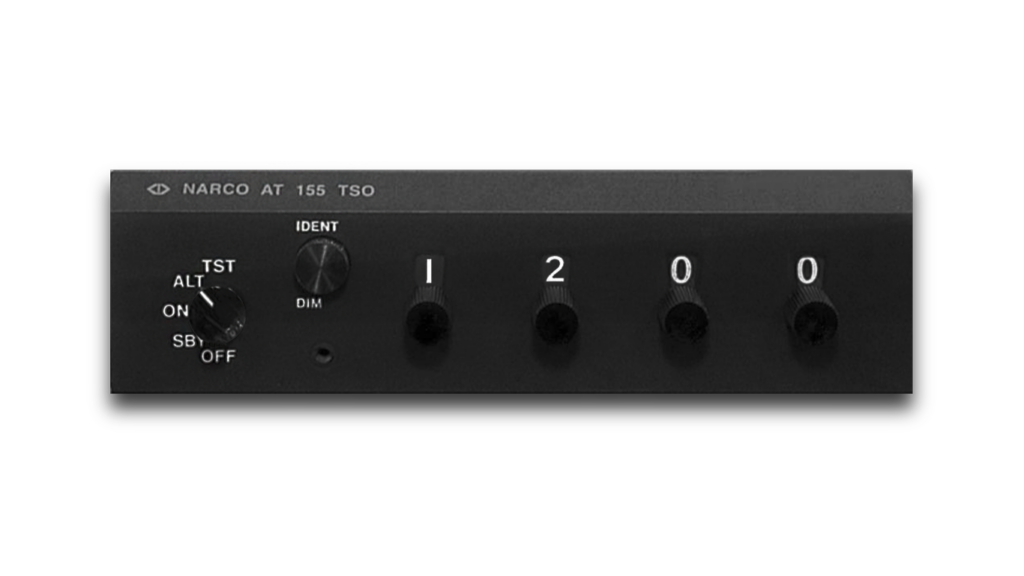
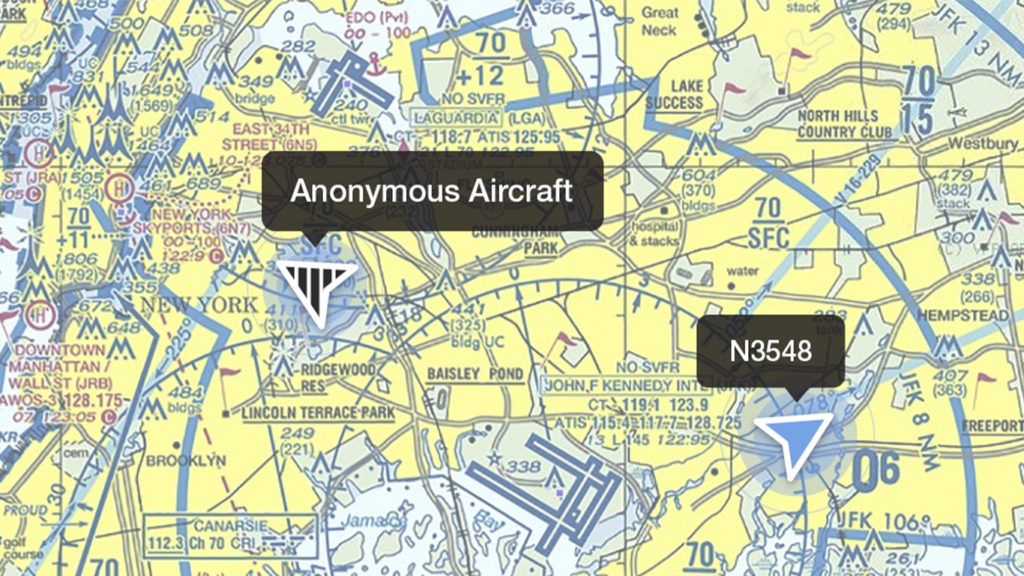
Anonymous Mode protects your privacy by withholding aircraft identification from ADS-B OUT transmission while squawking 1200—displaying only a (1200) squawk code and (VFR) call sign to the FAA and nearby aircraft.
Incorporates a bright LED nav light that provides enhanced visibility with 40 candelas intensity and less power consumption.
Additional Features
Direct replacement for the rear position light with minimal wiring changes needed; mounts with a simple twist and lock.
No need for additional GPS; includes a TSO-certified uAvionix truFYX WAAS GPS with RAIM for integrity protection.
Designed to withstand harsh environments from -45 to 70°C, ensuring reliable operation under varying flight conditions.
FAQ’s
Compatible with most general aviation aircraft that have an existing rear position light. Not suitable for aircraft with obstructions that block GPS visibility.
Yes, it meets all necessary FAA TSO and performance standards for ADS-B Out mandated by 2020 FAA regulations.
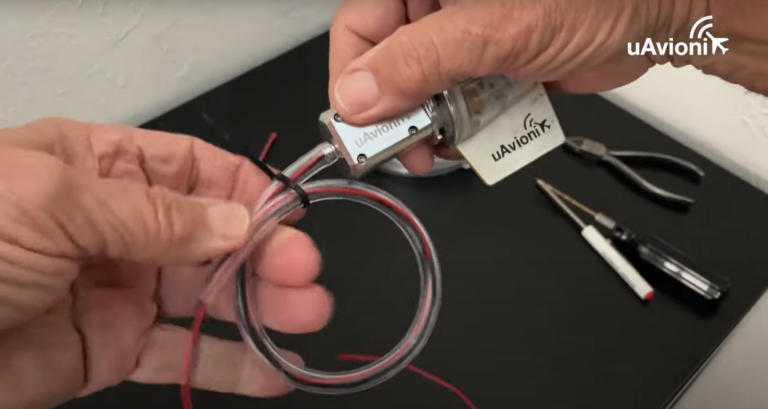
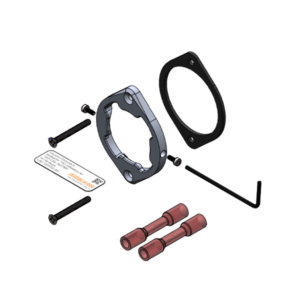
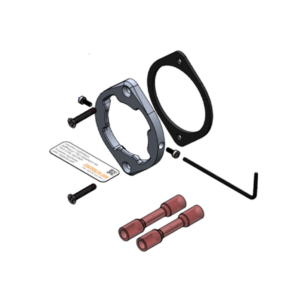
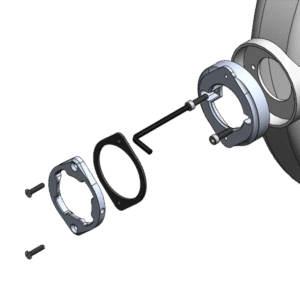
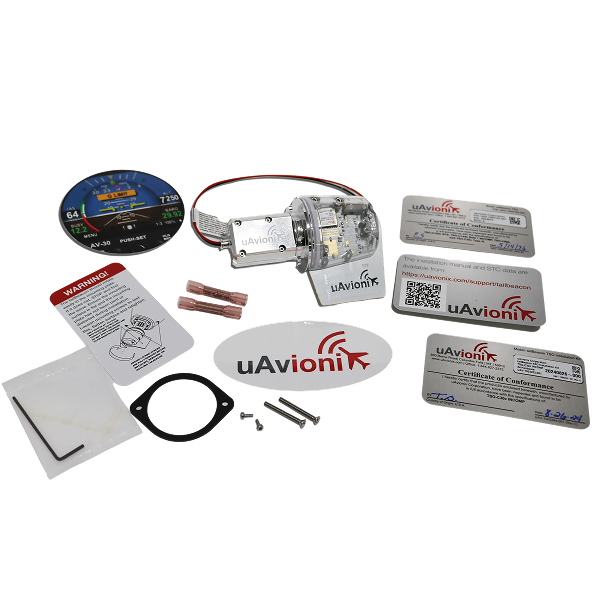
Replace the existing rear position light with tailBeacon using the included mounting kit. Connect to existing power and ground wiring. Full installation instructions are provided in the app.
Configuration is done through the mobile app. Post-installation testing involves verifying ADS-B transmissions and GPS functionality using the app.
tailBeacon requires minimal maintenance. Periodic checks are recommended to ensure functionality, mainly through app diagnostics.
Check the installation for proper mounting and wiring connections. Ensure there are no obstructions to the GPS signals. Use the app to check system status and configurations. If problems persist, contact uAvionix support for assistance
Documentation
skybeacon Mobile App
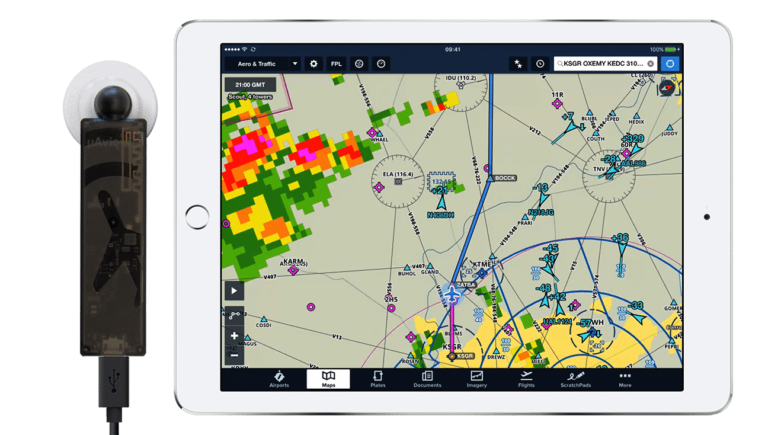
Owners of the uAvionix skyBeacon, tailBeacon and tailBeaconX ADS-B devices can use this free application to monitor, install, and configure their hardware.


Stay Connected
"*" indicates required fields