Your Shopping Cart

No products in the cart.
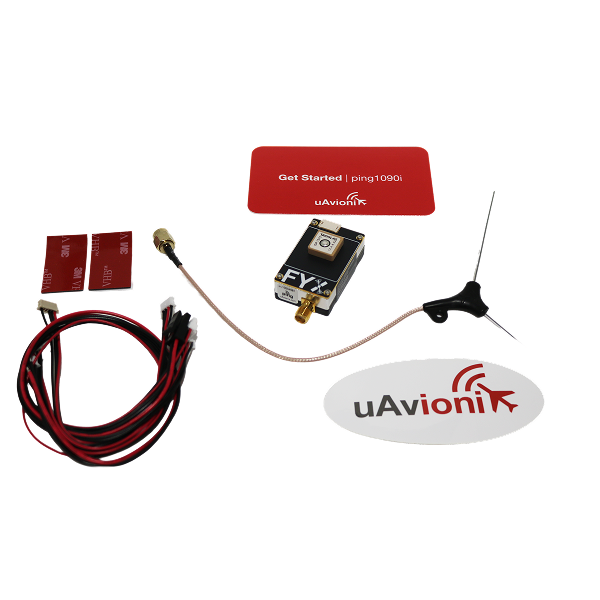
Primary Features
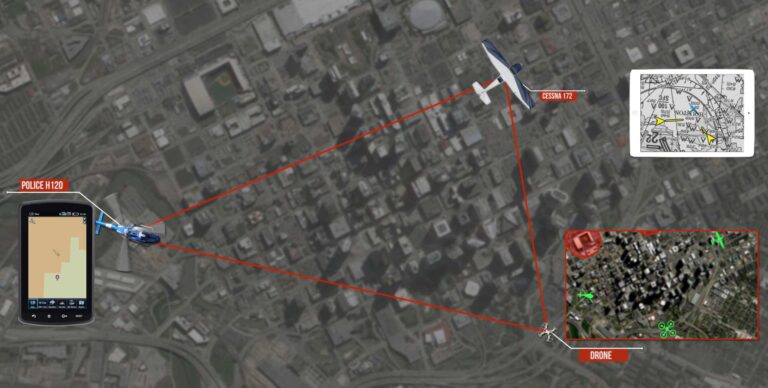
Detect aircraft threats on 1090MHz and 978MHz within a 100-statute mile radius in real-time.
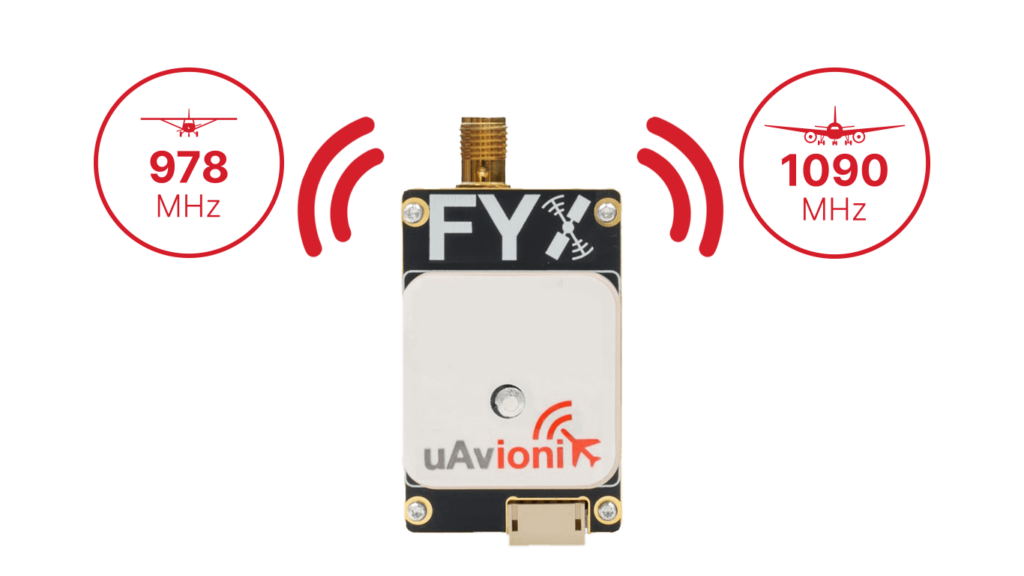
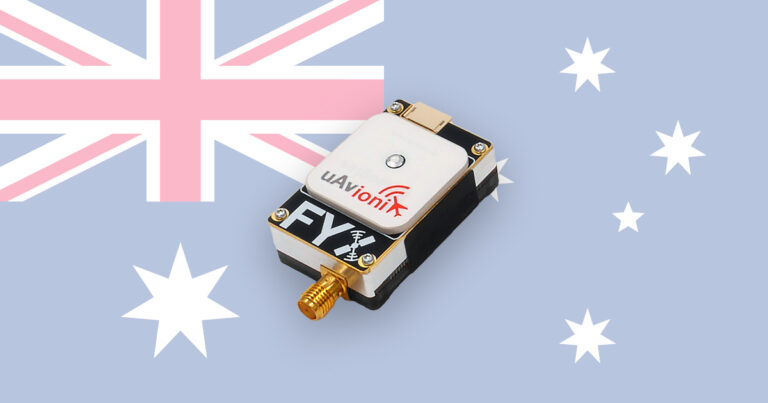
Embedded uAvionix FYX GPS with SBAS provides robust accuracy and integrity, safeguarding against GPS jamming and signal anomalies.
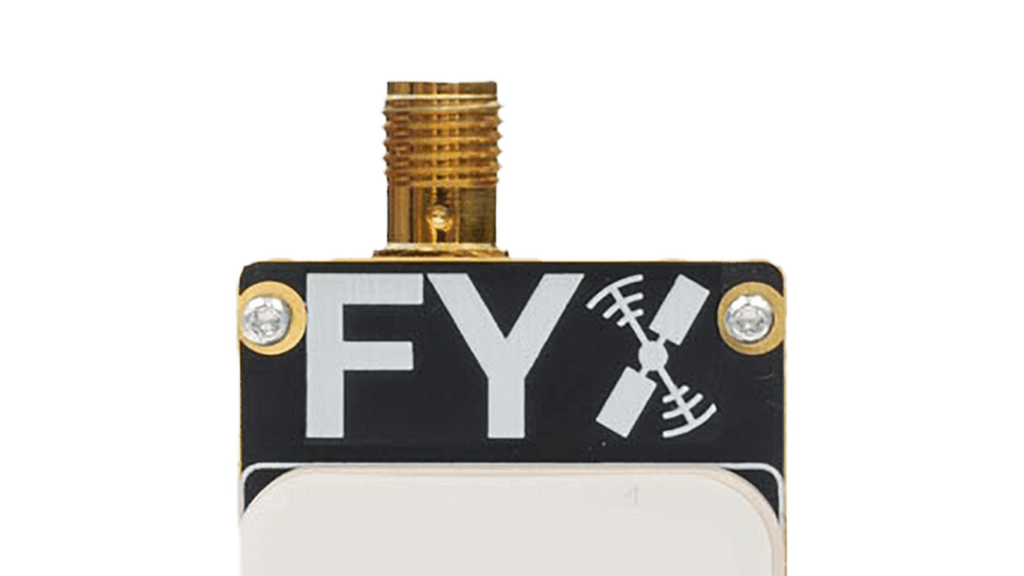
Certified in the UK (CAA CAP-1391) and Australia (CASA CAO 20.18), facilitating compliant UAS operations internationally.

Seamlessly integrates with popular autopilot systems, including Ardupilot, Pixhawk, and Auterion Skynode, streamlining your UAS setup process.
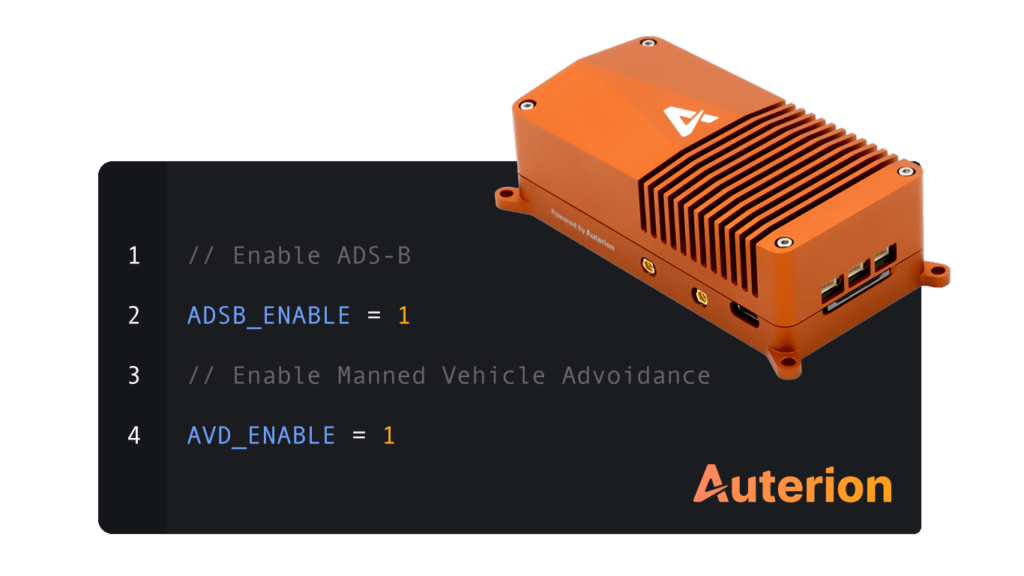
Additional Features
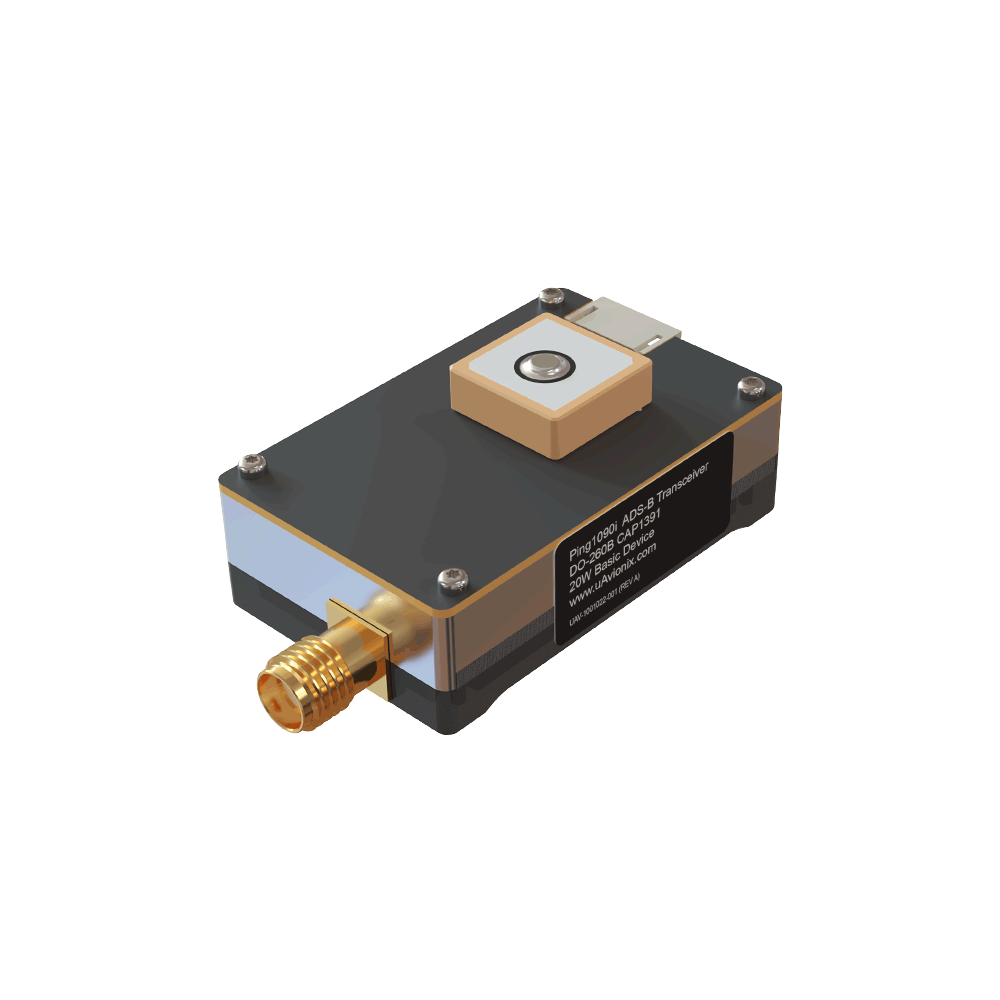
Weighing only 26 grams with dimensions of 25 x 40 x 16mm—ideal for payload-sensitive operations.
Battery-backed GPS enables quick Time-to-First-Fix (TTFF) for minimal start-up delays.
Includes mounting hardware and easy-to-use connectors for fast and secure setup.
FAQ’s
Yes, it is compatible with most small Unmanned Aircraft Systems (sUAS), integrating easily with standard autopilots such as Ardupilot, Pixhawk, and Auterion Skynode.
While ping1090i complies with international electronic conspicuity standards (CAP-1391, CAO 20.18), it is not currently authorized for use within the United States FAA ADS-B regulatory airspace.
Ensure ping1090i is mounted with a clear, unobstructed sky view to optimize GPS reception. Avoid installing near signal-blocking materials such as carbon fiber or beneath propellers.
The device operates on 11-28V DC power and connects via a standard power interface, compatible with typical aircraft battery systems.
Setup and configuration are accomplished via the uAvionix Ping Installer mobile app available for Android and iOS devices, using the ping Programmer and Wi-Fi connection.
You can configure ping1090i for continuous transmit (every second), receive-only, or standby mode through the mobile application.
ping1090i requires minimal routine maintenance—ensure regular inspections for secure mounting and antenna integrity. Keep firmware updated via the Ping Installer app.
Check for clear sky view, verify antenna connections, and ensure no interference from structural elements or other electronics onboard the aircraft.
Confirm wiring connections per the provided Quick Start Guide, verify autopilot configuration parameters (e.g., ADSB_SELECT in Pixhawk), and review uAvionix’s integration documentation or support portal.
Documentation
Ping Installer Mobile App
Owners of the uAvionix Ping line of devices can use this free application to install and configure their hardware.
Supported device(s) include:
Note: this application is not intended to directly configure pingBuddy or pingEFB, but does work in concert with pingBuddy to configure pingNAV and other products.


Get the right solution for your mission—fast. Fill out the form below, and uAvionix will provide more information about tailored solutions and pricing
"*" indicates required fields